

Sorting the order of how your properties are displayed on your Dashboard and Comparison reports is easy.
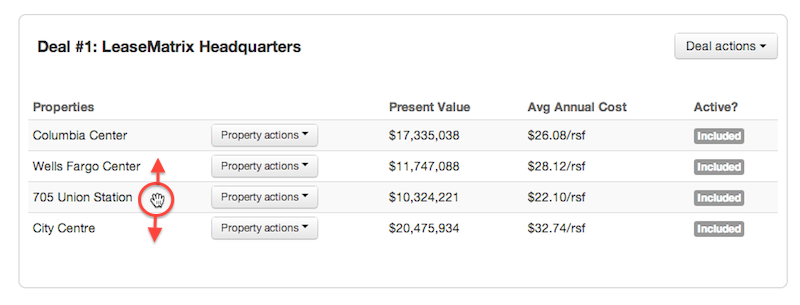
Simply drag and drop the property's name on your dashboard and the new order will take immediate effect.
By default, the Comparison Report will order properties from lowest to highest Cumulative Deal Cost (i.e. the total cost of the lease over its entire term), but this will be overwritten once a user specified reordering occurs.