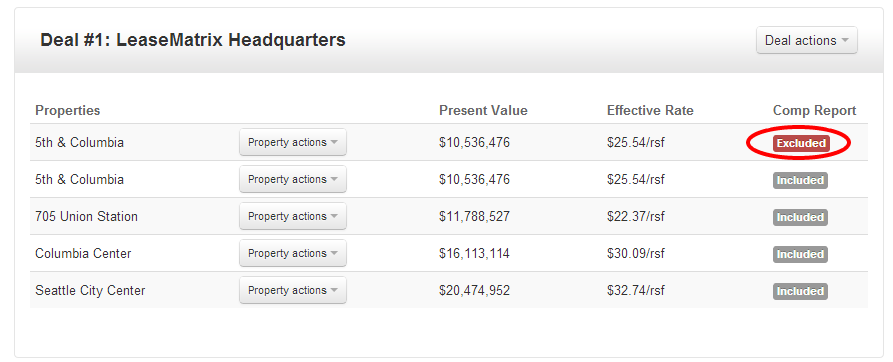
If you need to analyze different scenarios or compare a prior proposal against a new one, you can use the clone property under the Property actions menu.
A copy of the property will immediately appear, at which point you can edit this new analysis.
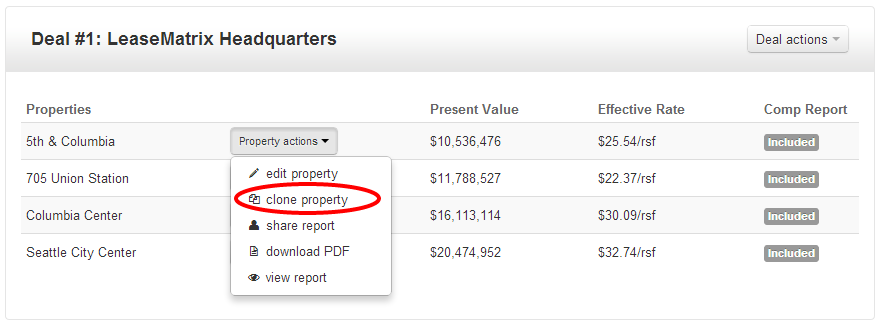
You can always exclude either version of the analysis from the comparison report by clicking the gray Included badge.
Upon clicking, this badge will change to Excluded confirming that the analysis is no longer included on the Comparison report.