

In order to keep your Dashboard organized, you can Archive inactive deals.
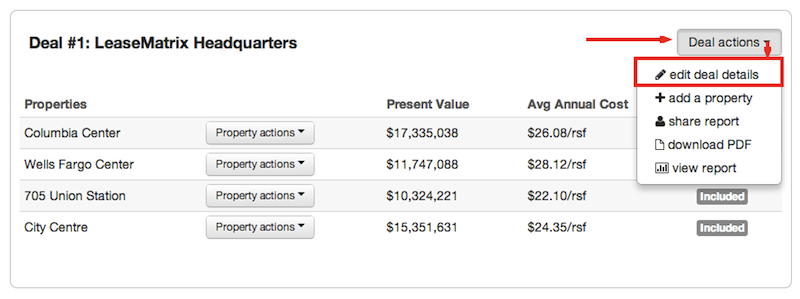
Under the Deal actions menu, select edit deal details.
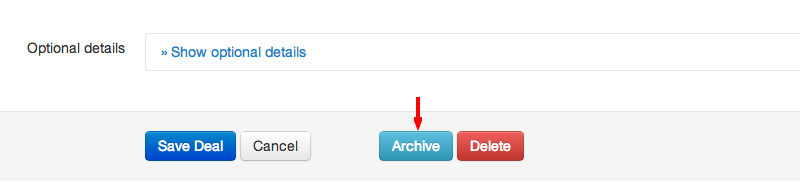
Then, click the Archive button in the footer menu.
Following this action, the Deal - and its Properties - will be moved to the Archived Deals page. The Archived Deals page can be accessed here:
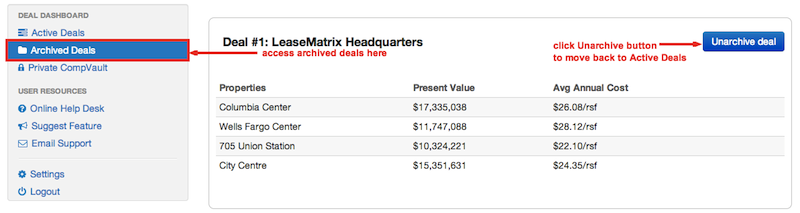
If you would like to edit the details of the Deal or any of its Properties, click the blue Unarchive deal button in the upper right hand corner.