

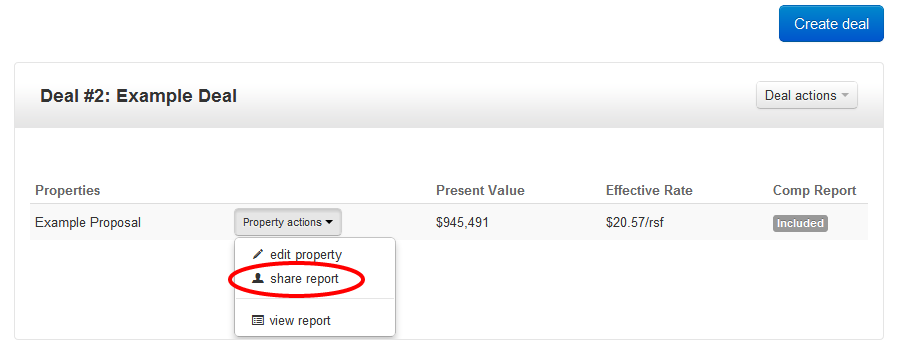
In order to share your Property Level analysis report, select share report under the Property actions button.
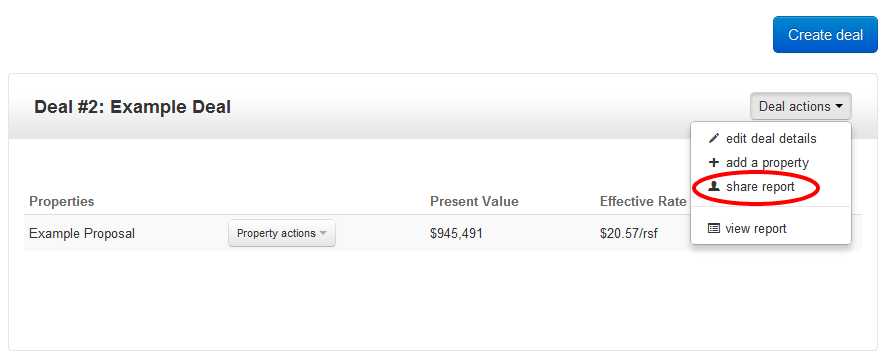
In order to share your Deal Comparison report select share report under the Deal actions button.
Once you select either report, click the blue Copy URL button in the pop-up modal:
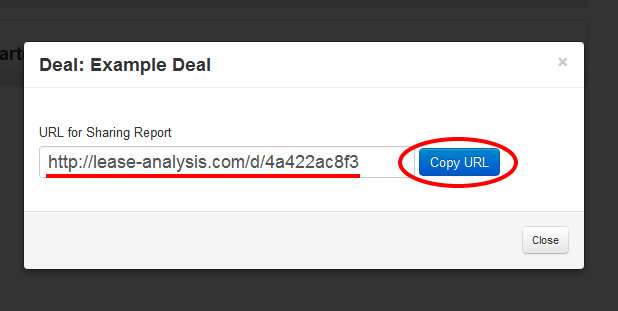
Alternatively, you may also copy the URL underlined above, by selecting Ctrl+C on your computer's keyboard.
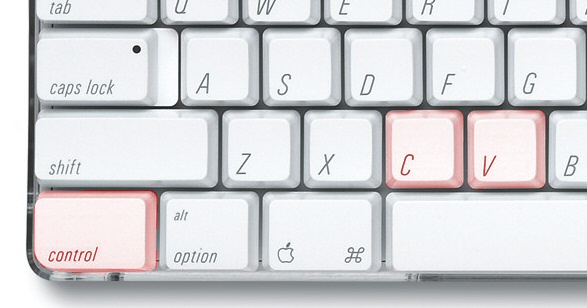
Once you have copied the URL to your computer's clipboard, paste this URL into any email or other form of correspondence by selecting Paste from your computer's edit menu, or Ctrl+V on your keyboard.