

In LeaseMatrix, a "Deal" is defined as the collection of leases or lease proposals you want to compare against one another for a single space search assignment.
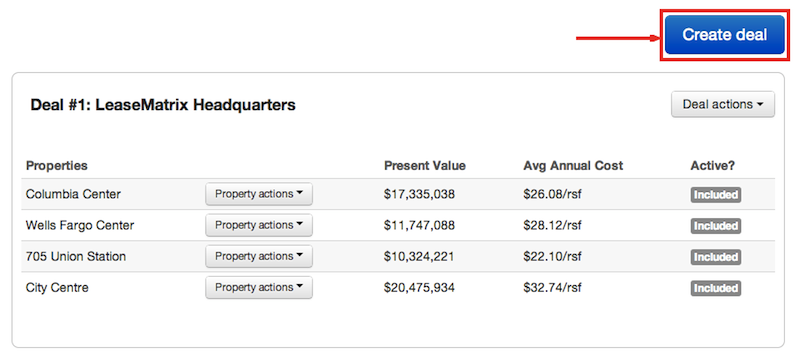
In order to create a new deal, click the blue "Create deal" button on your dashboard.
Then, name your deal and edit the discount rate for your NPV calculations. (The default is set at 8.0% but can be revised at anytime.) You may also enter optional deal details which include your basic contact information.
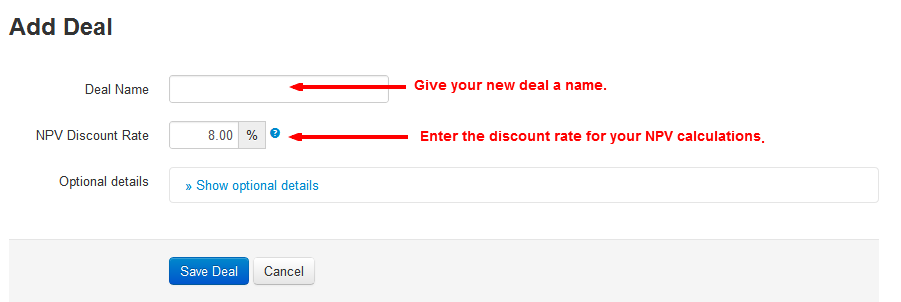
When finished, click the blue "Save Deal" button. Once saved, it's time to add your first lease proposal.
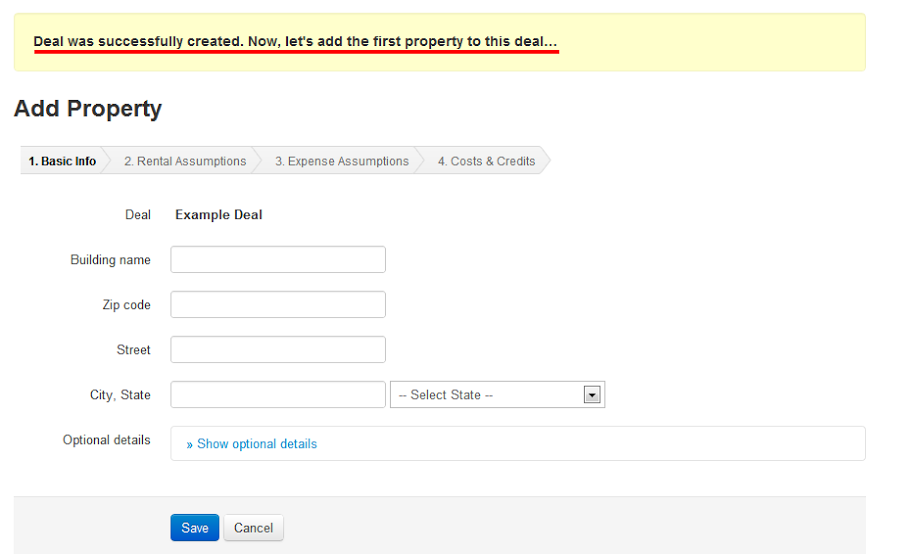
Need some help creating your first proposal? Let's walk through each step together, beginning with the Basic Information inputs.