

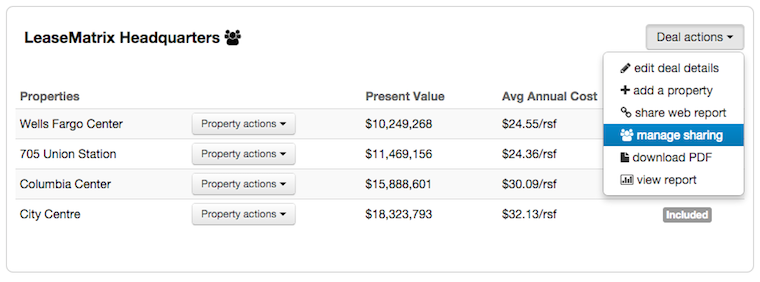
From the Deal action menu of the Deal you wish to share, select manage sharing.
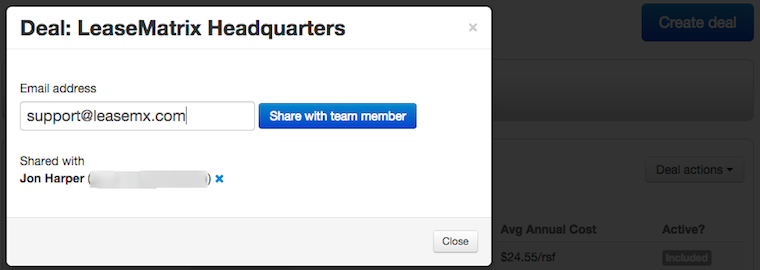
Within the popup modal, enter the email address of the LeaseMatrix user you wish to share the analysis. If the person is not yet a LeaseMatrix user, they can sign up for free here: lease.io/signup. Click the share with team member button.
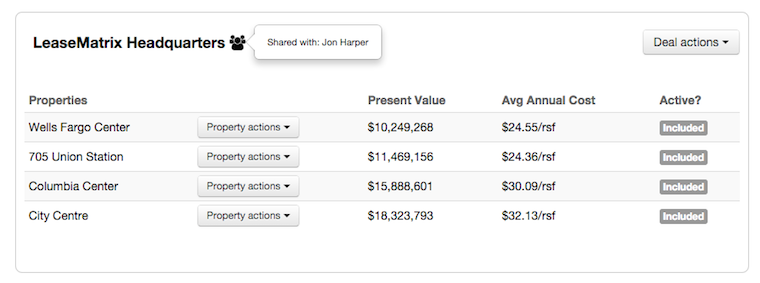
Once you’ve shared this deal, a "group" icon will appear next to that deal’s name. To quickly view who has editing rights for this analysis, simply hover your mouse over this icon, and those user’s names will appear.
In order to remove a user’s editing rights, select manage sharing under the Deal actions menu, and click the X icon next to that person’s name.